

Key Takeaways
Summary
18 items · 10–20 minutes per app
Why Checking Before You Download Actually Matters
The major app stores — Apple's App Store and Google Play — screen apps for obvious malware, but they don't guarantee that every listed app is responsible with your data. Millions of apps exist across both platforms, and some are designed primarily to harvest personal information, serve aggressive ads, or lock users into difficult-to-cancel subscriptions.
The good news: a short, systematic review before tapping "Install" puts you firmly in control. You don't need a technical background to spot red flags — you just need to know what to look for. This checklist walks you through every key check, from developer credibility to permission requests, so you can download with confidence.
Once an app is installed, its default settings often favor the developer's interests over yours. Our guide on overlooked app settings worth changing can help you take back control after installation.
App Store or Google Play Listing
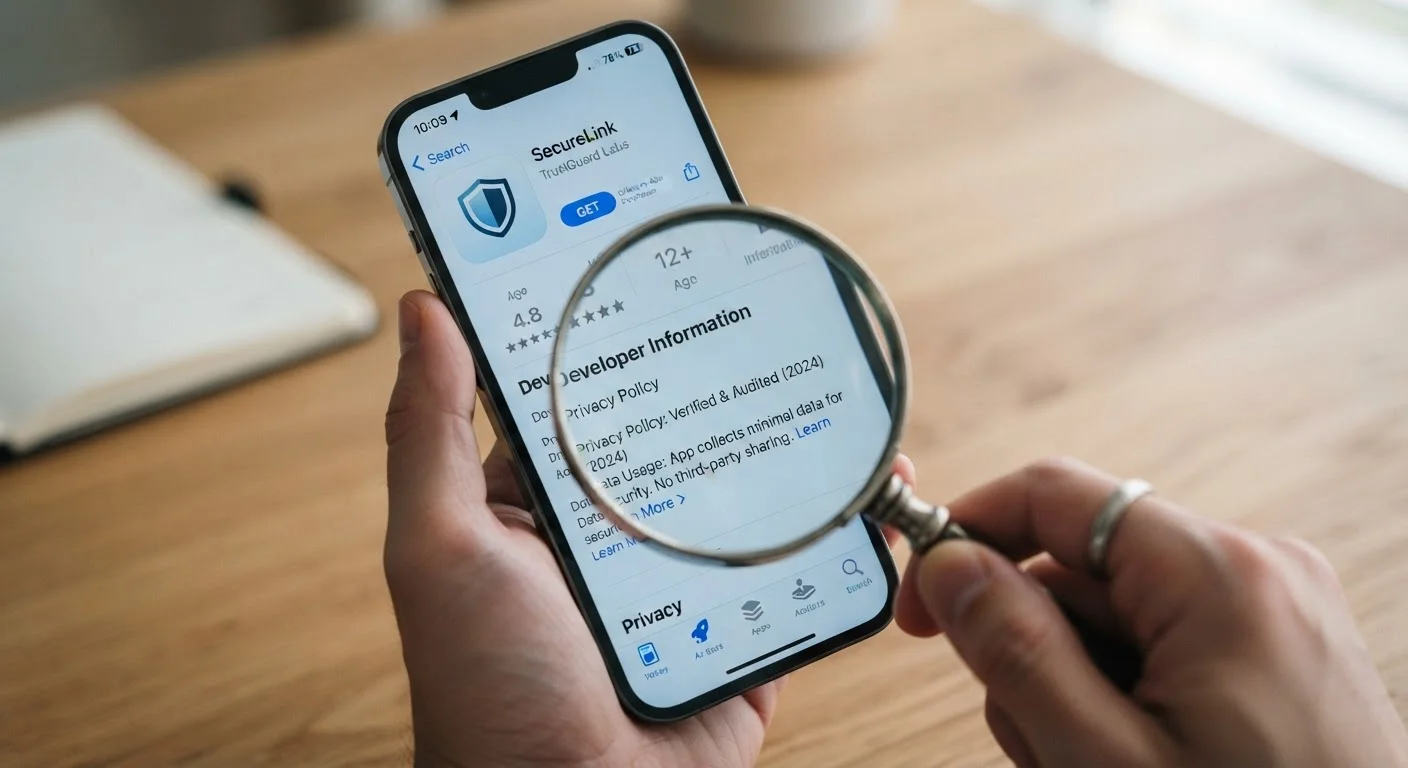
Use the official store page to review developer details, permissions, ratings, update history, and privacy policy links.
Search Engine
Search the developer name and app name to find independent reviews, news coverage, or reported issues.
App's Privacy Policy Page
Read the full privacy policy — linked in the store listing — to understand how your data is collected, used, and shared.
Your Device's Permission Settings
After installing, review and adjust which permissions the app actually has in your phone's Settings app.
Before You Download: The Full Checklist
Work through these checks in order. The first groups focus on surface-level signals that take under a minute each; later groups require a bit more reading but protect you most.
Developer Credibility
Ratings and Reviews
Permissions Review
Privacy Policy
Update History and Maintenance
Subscription and Billing Terms
Watch Out for Copycat Apps
Fraudulent apps sometimes mimic the names and icons of well-known apps to trick users into downloading them. Always double-check the developer name — not just the app name — against the official website of the service you're looking for. If you found the app through a search rather than a direct link from an official source, take extra care to verify you have the right listing.
Understanding what permissions actually do is a crucial part of this process. Our explainer on what app permissions really mean breaks down common requests — like camera, microphone, and location access — and when each one should give you pause.
If the app asks you to create an account, consider enabling two-factor authentication right away. Our step-by-step walkthrough on setting up two-factor authentication shows you how across the most common apps.
A Note on Free Apps and Your Data
Most free apps are not truly free — they're typically funded by advertising, in-app purchases, or the sale of anonymized (and sometimes not-so-anonymized) user data. This isn't inherently wrong, but it's worth understanding before you install. Our breakdown of what you actually get with free vs. paid app tiers can help you decide whether an upgrade is worth it or whether you're comfortable with the trade-off.
Once you've evaluated the app itself, it's also worth thinking about your broader digital privacy picture. A social media privacy settings audit and a careful read of how to navigate a privacy policy are natural next steps after securing your app downloads.
Once Installed, Review Permissions Immediately
Many apps request more permissions during setup than they actually need to function. As soon as you install a new app, go to your device's Settings, find the app, and review every permission it has been granted. Revoke any access that isn't clearly necessary for the features you plan to use — you can usually re-grant them later if needed.
This article is for general informational and educational purposes only. App store policies and developer practices change frequently — always verify current details directly in the relevant app store and the developer's official website before making decisions.