

Key Takeaways
Cloud Storage
Cloud storage is a way of saving files — photos, documents, videos — on remote computer servers instead of solely on your own device. Those servers are maintained by a company in a secure facility, and you access your files over the internet. Think of it like a storage unit you can reach from anywhere, rather than a filing cabinet in your home.
Data is typically distributed across multiple physical servers in geographically separate data centers, providing redundancy so a single hardware failure doesn't result in data loss.
What the Cloud Actually Is
When people say a file is "in the cloud," it can sound almost mystical. In reality, the cloud is just someone else's computer — or more precisely, a network of thousands of powerful computers called servers, housed in large, climate-controlled buildings known as data centers.
When you save a photo to a cloud service, that image travels over the internet and gets stored on one of those servers. The company managing those servers is responsible for keeping them running, secure, and accessible around the clock. Your file isn't floating in the atmosphere — it's sitting on physical hardware, just hardware you don't own or have to maintain yourself.
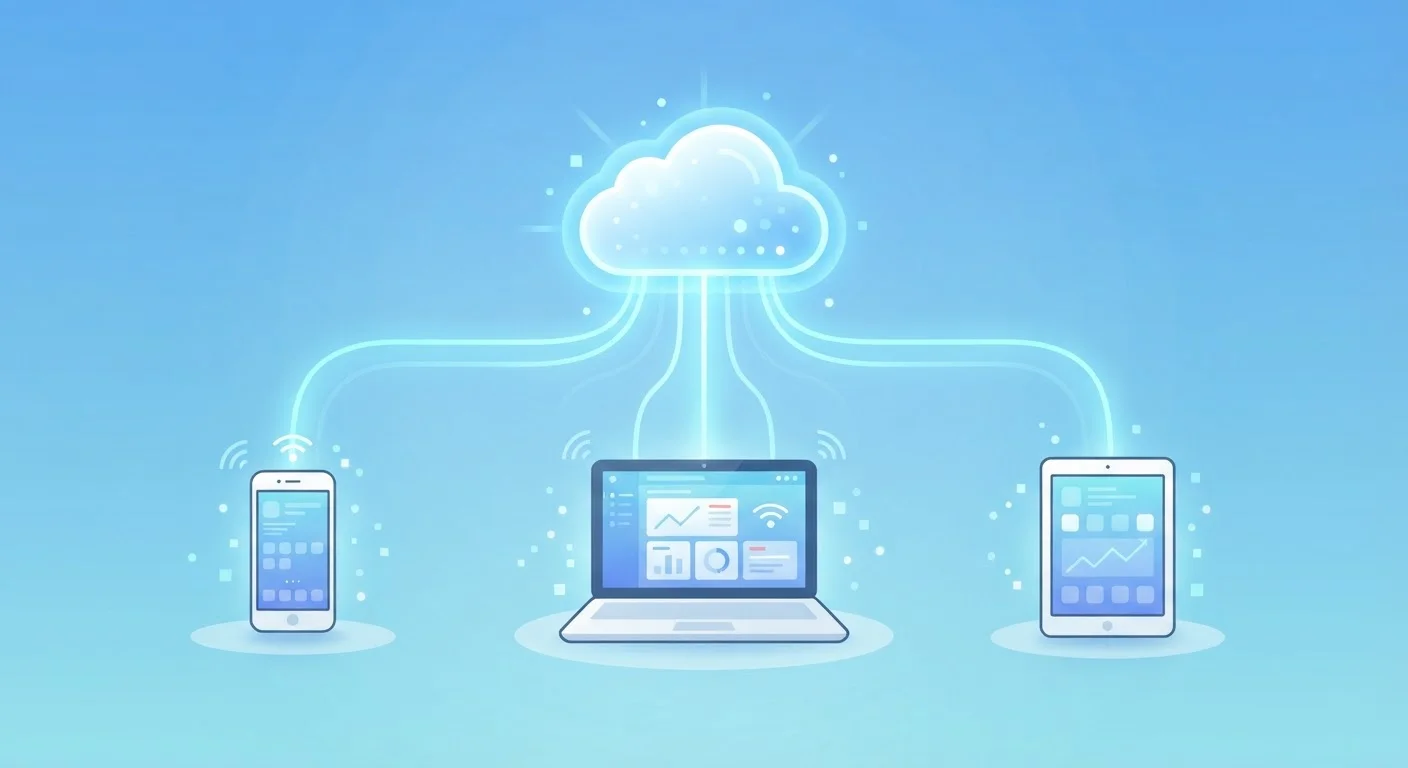
This model has a clear everyday advantage: because your files live on remote servers rather than only on your phone or laptop, you can reach them from any device that has an internet connection and your account credentials.
Your Files Travel Encrypted
When data moves between your device and a cloud server, reputable services encrypt it — scrambling the information so it can only be read by authorized systems. Many providers also store your files in an encrypted state on their servers. Check your provider's privacy and security documentation to understand exactly how your data is protected.
How Your Files Get There and Back
The process works in two directions. When you upload a file — say, by dragging a document into a cloud folder — your device breaks the data into small packets and sends them over the internet to the provider's data center. The servers receive, reassemble, and store those packets.
When you want that file back, the process reverses: the server sends the data back to your device, which your app or browser reassembles into the readable file you see on screen. For most people on a standard home internet connection, this happens fast enough to feel nearly instant for documents and photos.
Modern cloud apps also use sync — a background process that continuously monitors a designated folder on your device and automatically uploads any new or changed files. This is why a photo you take on your phone can appear on your laptop within seconds without you doing anything manually.
64%
U.S. adults using cloud storage services
According to Pew Research Center data on American technology use, roughly two-thirds of U.S. adults store data in the cloud, often without realizing it.
5–15 GB
Typical free cloud storage offered per account
Major cloud providers commonly offer between 5 GB and 15 GB of free storage to get users started before paid tiers are required.
3x
Redundancy copies kept by major providers
Many enterprise-grade cloud storage services store at least three copies of each file across separate locations to guard against hardware failure.
Why It Matters for Everyday Life
The practical benefits of cloud storage extend well beyond simple convenience. Here are the most important ones for everyday users:
- Automatic backup: If your phone is lost, stolen, or damaged, files already synced to the cloud are safe. You can restore them to a new device without losing anything.
- Access from anywhere: Forgot a work document at home? If it's in the cloud, you can pull it up on any browser or device.
- Easy sharing: Rather than emailing large attachments, you can share a link to a cloud file. The recipient always sees the most current version.
- Collaboration: Multiple people can open and edit the same document simultaneously, with changes visible in real time.
If you're working on organizing your digital life, understanding cloud storage is a foundational step — it shapes how your files, apps, and devices communicate with each other.
Free vs. Paid Storage, and Managing Your Space
Most cloud services offer a free tier — typically between 5 GB and 15 GB of storage. That's enough for thousands of documents and hundreds of photos, but heavy users who store high-resolution video or large project files often outgrow it.
When you approach your limit, the service will notify you and offer paid plans with more space — usually billed monthly or annually. Before upgrading, it's worth auditing your storage: old files, duplicate photos, and large downloads can often be deleted to recover meaningful space.
Managing your digital storage is a bit like managing your finances — knowing where your space is going helps you make smarter decisions. If you want a framework for thinking about categorizing and tracking where things go, the same clarity that applies to understanding spending categories can work for your digital habits too.
For a direct comparison of cloud storage and the storage built into your devices, Cloud Storage vs. Local Storage walks through the differences in plain language.