

Key Takeaways
Why Digital Security Matters More When You Travel
At home, your digital habits run on familiar ground: your own network, your usual devices, predictable routines. Travel disrupts all of that. You connect to unfamiliar networks, use devices in public spaces, and sometimes hand your phone over to strangers — whether at a rental counter, a border checkpoint, or a hotel desk. Each of those moments carries a small but real risk that doesn't exist when you're sitting at your kitchen table.
This doesn't mean travel is inherently dangerous for your data — it means the risks are different, and a few deliberate habits go a long way. If you're new to thinking about travel security more broadly, our guide Travel Safety From the Ground Up is a good starting point before diving into the digital specifics here.
The steps below are designed to be completed before you leave — most take less than an hour total — and maintained with minimal effort during your trip. You don't need to be a tech expert to follow them.
What you will need
What You'll Need
Most of what you need is either already on your device or freely available. A few tools genuinely worth having are listed below.
VPN (Virtual Private Network) app
Encrypts your internet traffic on public or unsecured Wi-Fi networks.
Password manager
Stores and auto-fills complex, unique passwords so you don't reuse credentials across accounts.
Cloud backup service
Keeps copies of your photos and important files accessible if your device is lost or stolen.
Authenticator app
Generates time-based one-time codes for two-factor authentication without relying on SMS.
Device tracking app (e.g., Find My / Find My Device)
Lets you locate, lock, or remotely erase a lost or stolen device.
Step-by-Step: Securing Your Devices and Accounts
Work through these steps in order — the earlier ones build the foundation for the later ones. Steps 1 through 5 should be completed before you travel; steps 6 and 7 are habits and knowledge you'll carry with you.
Back up your devices before you leave
Before departing, back up your phone and laptop to a cloud service or an external drive kept at home. If a device is lost, stolen, or seized at a border, you want your photos, documents, and contacts recoverable. Learn more about how these storage options differ in our guide to cloud storage vs. local storage.
Set strong screen locks and enable device encryption
Use a PIN of at least six digits, a strong password, or biometric lock (fingerprint or face ID) on every device. On most modern smartphones, enabling a screen lock also activates built-in encryption. Check your device settings to confirm encryption is on — look under Security or Privacy.
Turn on two-factor authentication for key accounts
Enable two-factor authentication (2FA) on your email, banking, and travel booking accounts before you travel. An authenticator app is generally more reliable abroad than SMS-based codes, which can fail if your phone number doesn't work internationally. See our guide on setting up 2FA on common apps for step-by-step help.
Install and configure a VPN
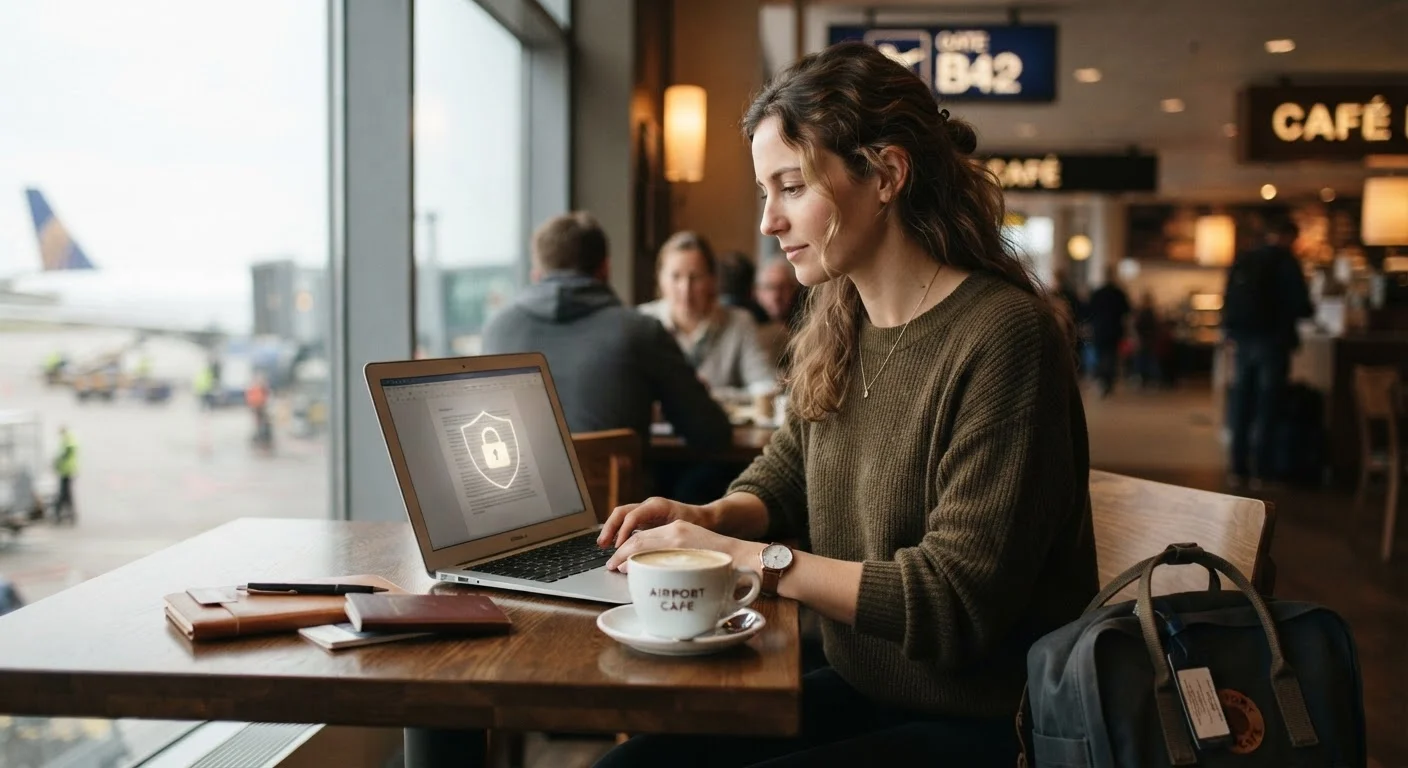
A VPN encrypts the data traveling between your device and the internet, making it significantly harder for others on the same network to intercept. Install a VPN app before your trip, test that it connects reliably, and make it a habit to activate it whenever you connect to airport, hotel, or café Wi-Fi.
Enable remote lock and wipe
Both iOS and Android include built-in device tracking and remote management — Apple's Find My and Google's Find My Device. Verify these are enabled and that you can access them from another device or a browser. If your phone is stolen, you can lock it immediately or erase it remotely to protect your data.
Avoid sensitive logins on public or shared devices
Hotel lobby computers, hostel terminals, and shared tablets are high-risk environments for credential theft. Avoid logging into banking apps, email, or booking sites on devices you don't control. If you must, use your browser's private/incognito mode and log out completely before walking away — though this is still not a substitute for using your own device.
Know your rights at border crossings
Some countries, including the United States, grant border agents broad authority to inspect electronic devices without a warrant. You can minimize exposure by traveling with a dedicated travel device that holds minimal data, or by logging out of accounts and removing sensitive apps before crossing. Consult your country's official government travel advisories and, if needed, legal guidance specific to your situation before traveling to countries with stricter device inspection regimes.
Use a Dedicated Travel Device When Possible
If you travel frequently or visit countries with stricter border inspection practices, consider carrying a secondary phone or laptop with only the apps and data you actually need for that trip. This limits exposure without requiring you to strip down your primary device. Even an older phone reset to factory settings and loaded with essentials can serve this purpose well.
Staying Alert to Scams and Phishing While Away
Travel creates new opportunities for scammers. Urgent-looking emails about flight changes, fake hotel booking confirmations, and texts claiming your card was flagged are all common lures. The stress and unfamiliarity of being away from home can make these tactics more effective than they'd be at home.
Learn to recognize the patterns: unexpected urgency, requests to click a link or provide credentials, and sender addresses that look almost right but aren't. Our article on phishing, smishing, and vishing breaks down the most common tactics. And since your email inbox often holds the keys to every other account, it's worth understanding why email is such a high-value target.
Physical security matters here too — a stolen phone is a stolen collection of accounts. Pairing good digital habits with smart physical precautions, like those covered in our guide to protecting your passport, cards, and cash, gives you a more complete picture of travel safety. Good digital security is ultimately a set of consistent habits — for a broader view, see habits that hold up over time.
Don't Rely on Public Wi-Fi Without Protection
Open networks at airports, cafes, and hotels are convenient — and frequently unsecured. Without a VPN, other users on the same network may be able to intercept unencrypted traffic. Reserve sensitive transactions (banking, email with sensitive attachments, account logins) for your mobile data connection or a secured, password-protected network whenever possible.