

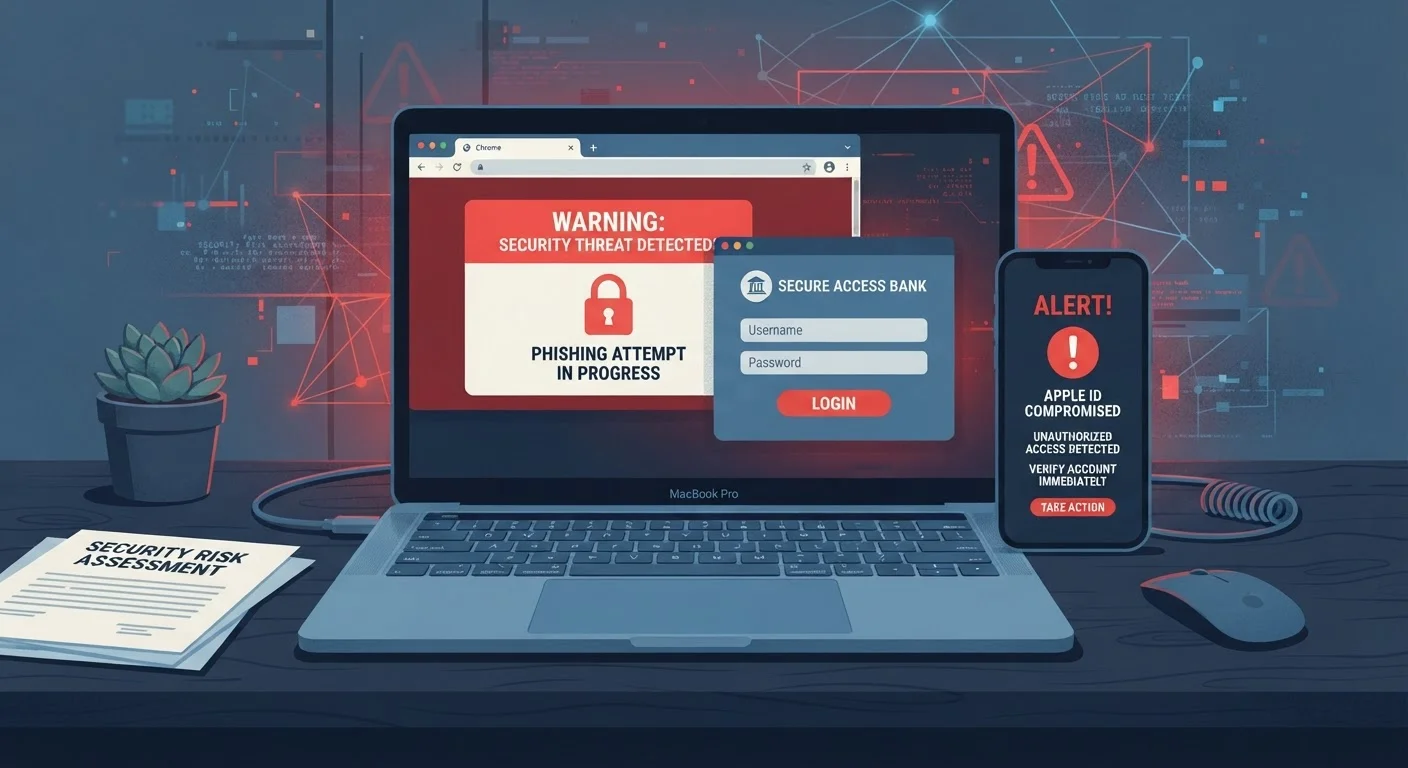
Three Channels, One Goal
Online scams don't arrive through a single door. Attackers choose their delivery method deliberately — email, text message, or phone call — because each channel comes with built-in trust signals that make deception easier. Understanding the differences between phishing, smishing, and vishing helps you recognize warning signs before you act.
All three approaches share the same core strategy: impersonate a trusted source, manufacture urgency, and push you toward a harmful action — clicking a link, providing credentials, or transferring money. The channel changes; the playbook doesn't.
Phishing: The Email Threat
Phishing is the use of fraudulent emails designed to look like legitimate messages from banks, government agencies, retailers, or employers. The word is a deliberate misspelling of "fishing" — scammers cast a wide net hoping someone bites.
Common phishing tactics include:
- Spoofed sender addresses — The display name reads "PayPal Support" but the actual email domain is something like
paypal-alerts.net. - Lookalike login pages — A link in the email leads to a convincing copy of a real site, designed to harvest your username and password.
- Urgency and fear language — Phrases like "Your account will be suspended in 24 hours" pressure you to act without thinking.
- Malicious attachments — PDFs or Office documents that install malware when opened.
Because your inbox contains so much sensitive material, it's a prime target. For a deeper look at what attackers specifically look for in email accounts, see why your inbox is a goldmine for hackers.
Smishing: Scams Delivered by Text
Smishing (SMS + phishing) uses text messages to deliver the same kinds of tricks. People often let their guard down with texts because they feel more personal and immediate than email.
Typical smishing messages impersonate:
- Package delivery services claiming a failed delivery attempt
- Banks or credit unions warning of suspicious account activity
- Government agencies referencing tax refunds or benefit payments
- Toll collection services demanding a small unpaid fee
The message almost always contains a shortened or disguised URL. Tapping it may take you to a credential-harvesting page or trigger an automatic download. Because SMS doesn't display rich sender information the way email clients do, it's harder to spot the fakery at a glance.
It's also worth knowing that different messaging platforms carry different security properties. How SMS, iMessage, WhatsApp, and RCS actually differ explains why a text over standard SMS has fewer built-in protections than an encrypted messaging app.
Shortened URLs Are a Common Red Flag
Services that shorten URLs (producing links like bit.ly/xxxx) are frequently used in smishing because they hide the true destination. If you receive an unsolicited text containing a shortened link, treat it with extra caution. You can paste most shortened URLs into a link-preview tool to see the real destination before visiting — but the safest response to an unexpected link is simply not to tap it.
Vishing: Voice-Based Deception
Vishing (voice + phishing) happens over the phone. A caller claims to be from the IRS, Social Security Administration, your bank's fraud department, or a tech support team. The live human voice — or a convincing automated one — adds a layer of perceived legitimacy that email and text can't replicate.
Common vishing scripts include:
- "We've detected suspicious charges on your account — please verify your card number to cancel them."
- "Your Social Security number has been suspended due to suspicious activity."
- "We're calling from Microsoft. Your computer is sending error reports to our servers."
Caller ID spoofing allows scammers to display a number that looks like a real institution. If a call creates pressure to act immediately or to keep the call secret, treat it as a red flag. Legitimate organizations will not demand instant action or insist you stay on the line while you move money.
How to Respond When Something Feels Wrong
Across all three channels, a few consistent habits reduce your risk significantly:
- Pause before acting. Urgency is a manipulation tool. A genuine bank or government agency will give you time to verify independently.
- Verify through a known channel. Don't call a number or click a link provided in the suspicious message. Look up the organization's official contact information separately.
- Check URLs carefully. Hover over links in email to see the actual destination before clicking. On mobile, press and hold to preview the URL.
- Never provide credentials or payment in response to an unsolicited contact. Legitimate organizations don't ask for passwords, full Social Security numbers, or gift card payments this way.
- Report it. Forward phishing emails to
reportphishing@apwg.orgor the organization being impersonated. Report smishing to your carrier by forwarding to 7726 (SPAM). Report vishing to the FTC at ReportFraud.ftc.gov.
Building these responses into your daily habits is the most durable form of protection. Staying safer online over time covers the broader set of practices worth maintaining.