

Key Takeaways
Option A
Google Docs
The browser-first, collaboration-centered option.
Best for: People who frequently co-author documents, work across multiple devices, or want a free, low-friction writing tool.
Option B
Microsoft Word
The feature-rich, industry-standard desktop processor.
Best for: Professionals who need advanced formatting, track changes in complex workflows, or work in environments where .docx compatibility is required.
If you collaborate with others regularly
Google Docs
Real-time co-editing, instant sharing via link, and live commenting make Google Docs dramatically easier for group work without emailing file versions back and forth.
If your workplace or school requires .docx files
Microsoft Word
Word is the native home of the .docx format, ensuring complex formatting, styles, and tracked changes behave exactly as expected for institutional workflows.
If you need a free, no-install solution right now
Google Docs
Any device with a browser and a free Google account gives you full access — no software purchase or installation required.
If you write long, heavily formatted documents
Microsoft Word
Word's advanced styles, table of contents tools, section breaks, and mail merge features give far more control over complex document structure.
If you work offline frequently or have unreliable internet
Microsoft Word
Word's desktop app functions fully without internet. Google Docs does offer an offline mode, but it requires setup and a Chrome browser, making it less reliable in practice.
What Each Tool Actually Is
At their core, both Google Docs and Microsoft Word let you type, format, and save written documents. But they were built with different assumptions about how people work.
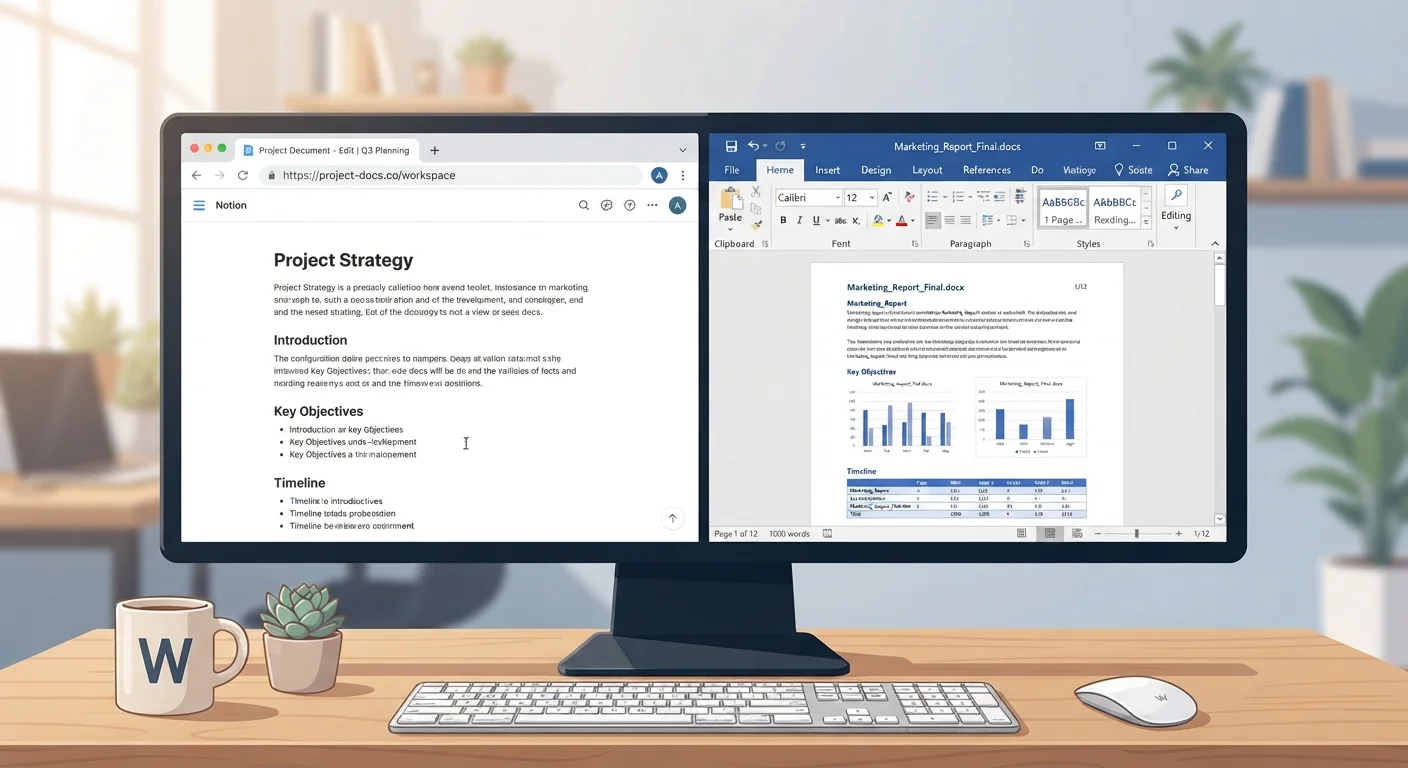
Google Docs is a web application — it lives in your browser. Your documents are stored automatically in Google Drive, Google's cloud storage service. There's nothing to install, and because everything saves instantly to the cloud, you rarely worry about losing your work.
Microsoft Word started as a desktop application and remains strongest in that form. The full-featured version is part of Microsoft 365 (a subscription service) or can be purchased outright. Microsoft does offer a free, browser-based version of Word online, but it has noticeably fewer features than the desktop app.
Understanding this fundamental difference — browser-based versus desktop-installed — explains most of the trade-offs that follow. Just as you might weigh the convenience of a digital budgeting app against a traditional spreadsheet (see our breakdown of tracking options), choosing a word processor often comes down to how and where you actually work.
Collaboration and Sharing
This is where Google Docs holds a clear, practical advantage. You can share a document with anyone via a link, set editing or viewing permissions in seconds, and watch collaborators type in real time — each person's cursor appears in a different color. Comments, suggestions, and version history are built in and easy to use.
Microsoft Word has improved its collaboration features through Microsoft 365, and Word online does support real-time co-editing. However, the experience can still feel less seamless — particularly when colleagues are on different versions of the software, or when a document moves between desktop and browser formats. If your team doesn't all use Microsoft 365, collaboration friction tends to increase.
| Criterion | Google Docs | Microsoft Word |
|---|---|---|
| Cost | Free with Google account | Subscription or purchase required (free web version available) |
| Where it runs | Browser (any device) | Desktop app + browser (desktop is more capable) |
| Real-time collaboration | Seamless and built-in | Available in 365, but less frictionless |
| Advanced formatting | Good for most tasks | Significantly deeper toolset |
| Offline use | Possible, requires setup | Full functionality, no setup needed |
| Auto-save | Continuous, cloud-based | Manual or auto-save to local/cloud |
| File format compatibility | Exports .docx; native format is Google Docs | Native .docx format |
For occasional, low-stakes sharing, either tool works. For ongoing team projects, Google Docs is typically less effort.
Formatting, Features, and Document Complexity
For everyday writing — letters, reports, memos, essays — both tools handle everything you need. Fonts, headings, bullet points, tables, and images are all available in Google Docs without any learning curve.
Where Microsoft Word pulls ahead is with more advanced or specialized documents. If you need precise control over page layouts, multi-level styles, footnote formatting, mail merge (filling a template with a list of names, for example), or complex tables of contents, Word's toolset is significantly more powerful. Legal, academic, and publishing workflows often depend on these features.
Google Docs has extended its capabilities over time and now supports things like pageless mode and an improving add-on ecosystem — small third-party tools you can install from the Google Workspace Marketplace. But for documents where formatting precision is critical, Word remains the deeper tool.
3B+
Google Workspace monthly active users
Google has reported over 3 billion active users across Workspace apps, reflecting broad adoption of tools including Google Docs worldwide.
1.2B
Microsoft Office users globally
Microsoft has cited over 1.2 billion people using Microsoft Office products across consumer and commercial accounts.
Cost, Access, and Compatibility
Google Docs is free with any Google account, with 15 GB of Google Drive storage shared across Google services at no charge. Additional storage can be purchased through Google One if needed.
Microsoft Word requires either a Microsoft 365 subscription (billed monthly or annually) or an older one-time license purchase. The limited web version of Word is free with a Microsoft account, making it viable for basic tasks without payment.
Both tools work with the .docx format — the standard file type for Word documents. Google Docs can open, edit, and export .docx files, and Word can open documents exported from Google Docs. Some minor formatting differences may appear when moving files between them, particularly with complex layouts, but for most everyday documents the compatibility is reliable.
If you're also thinking about how your communication tools compare across platforms, our Zoom vs. Google Meet comparison follows a similar framework for video calling software.