

Key Takeaways
Option A
Web Browser
The vehicle that gets you around the internet.
Best for: Anyone who wants control over how web content is loaded, stored, and displayed on their device.
Option B
Search Engine
The directory that helps you find destinations.
Best for: Anyone looking to locate specific websites, information, or answers without already knowing the address.
If you want to limit data stored on your device
Web Browser
Adjusting your browser's privacy settings — such as blocking third-party cookies or clearing history — directly controls what is saved locally. Your browser is the right tool to configure for on-device privacy.
If you want to reduce how much your searches are logged and profiled
Search Engine
Switching to a search engine with a no-log policy means your queries are not tied to a persistent profile. This is separate from browser settings and addresses server-side data collection.
If you want the strongest overall privacy posture
Web Browser
Combine a privacy-oriented browser with a privacy-respecting search engine — neither choice alone is sufficient, but configuring both gives you control over data at each stage of your online activity.
The Confusion Is Completely Understandable
Most people use these two tools together so seamlessly that distinguishing them feels unnecessary — until it matters. The confusion runs deep: surveys have found that a substantial portion of internet users cannot correctly identify which is which. That gap in understanding has real privacy implications.
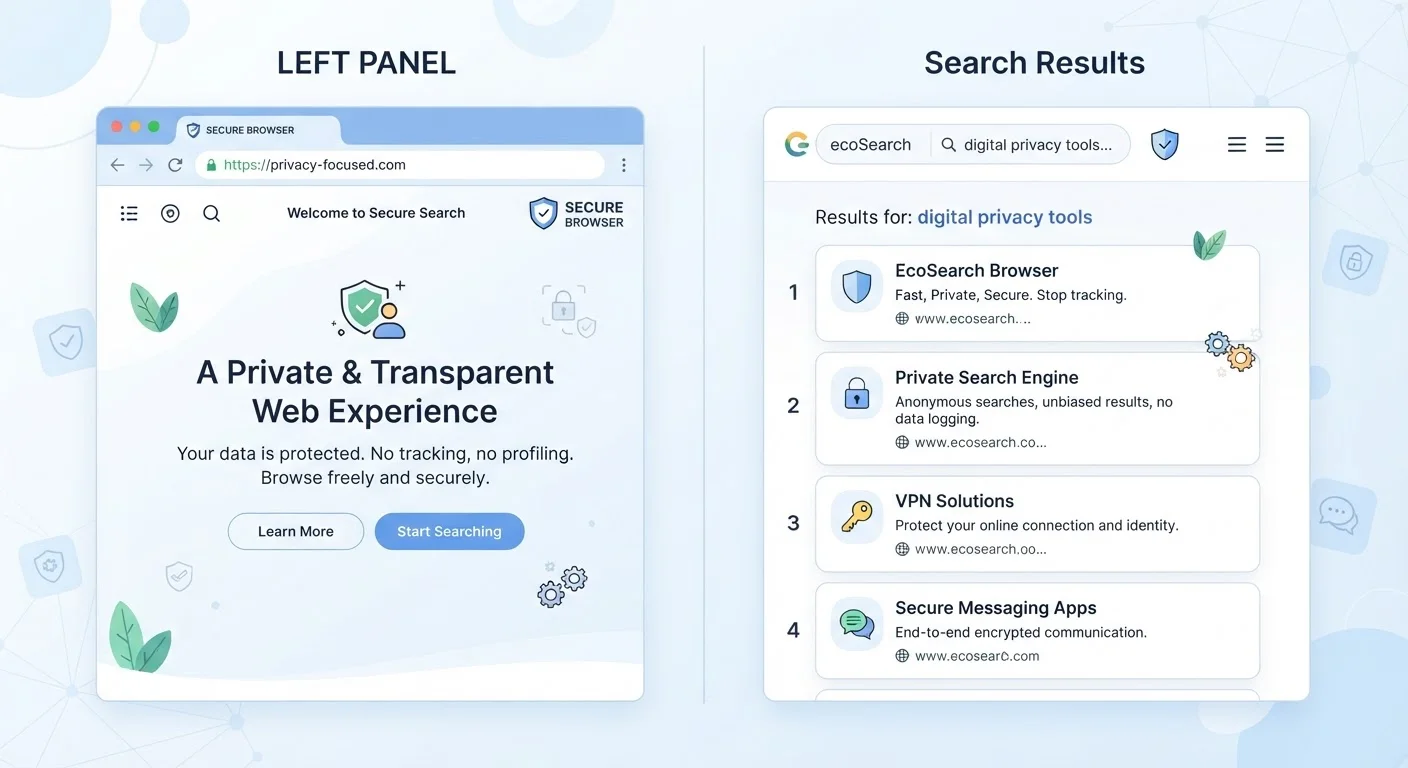
Here is the clearest way to think about it: a browser is a software application installed on your device. It renders web pages, manages your bookmarks, and stores your history, cookies, and cached files locally. Examples include Chrome, Firefox, Safari, and Edge. A search engine, by contrast, is a web service — a website, essentially — that indexes the internet and returns results when you type in a query. Examples include Google, Bing, and DuckDuckGo.
When you open your browser and type a question into the address bar, you are using both simultaneously. That layered experience is what makes them easy to conflate. But they are controlled by different companies, governed by different privacy policies, and collect different types of data about you.
What Each One Actually Collects
Understanding the data each tool gathers is the practical heart of this distinction.
Your browser stores data on your device: the websites you have visited, files temporarily cached to speed up page loads, and cookies placed by websites you interact with. Browsers also transmit some data to their developers — such as crash reports or usage statistics — depending on your settings. Your browser does not inherently know what you searched for; it just knows which URLs you visited.
Your search engine collects data on its servers: every query you submit, the results you click, and often the IP address and approximate location associated with your session. Search engines with accounts (like Google when you are signed in) can tie that query history to a persistent profile used to personalize results and, in many cases, target advertising. For a fuller picture of how that profiling works, see how targeted advertising follows you around the web.
| Criterion | Web Browser | Search Engine |
|---|---|---|
| What it is | Software installed on your device | A web service accessed through a browser |
| Where data is stored | Locally on your device | On the company's remote servers |
| What it collects | URLs visited, cookies, cache, history | Search queries, clicks, IP address, location |
| Account required | No (optional sync features may need one) | No (but signing in enables persistent profiling) |
| Privacy setting location | Browser settings menu | Search engine account or preferences page |
| Affected by incognito mode | Yes — local data not saved during session | No — queries still logged server-side |
It is also worth knowing that your browser's incognito or private mode affects only local storage — it does not prevent a search engine from logging your queries. What incognito mode actually does and does not do is one of the most commonly misunderstood topics in everyday tech.
Making Independent Choices — and Why That Matters
Your Default Search Engine Is a Setting, Not a Fact
Every browser ships with a default search engine pre-selected — often determined by commercial agreements between companies. That default can be changed in your browser's settings in under a minute. Checking and intentionally choosing your search engine is one of the simplest privacy steps available to any user, regardless of technical experience.
The key insight for privacy-conscious users is that browsers and search engines are independent choices. You can use any search engine inside any browser. Switching one does not switch the other. Many people use a browser from one company while that browser's default search engine is set to a service from a completely different company — and they have never changed either setting deliberately.
To understand what each tool stores and why it matters, a plain-language breakdown of cookies, cache, and browsing history is a useful next step. And because data collection ultimately comes down to what a company's privacy policy permits, knowing how to read a privacy policy without losing your mind gives you the tools to evaluate both your browser's and your search engine's terms directly.
Every search, page visit, and click also contributes to a broader pattern. Your digital footprint is shaped by both tools together — which is exactly why understanding each one separately puts you in a stronger position to manage it.