

Key Takeaways
Smart Speaker Voice Assistant
A smart speaker is a wireless device with built-in microphones that listens for a specific trigger phrase — called a wake word — and then records and sends your spoken question or command to a remote computer server. That server interprets what you said, figures out a response, and sends it back to the speaker in fractions of a second. The result is a two-way conversation that feels almost instant.
The speech-to-text conversion and natural language processing (NLP) happen primarily in the cloud on the manufacturer's servers, not inside the speaker itself — which is why smart speakers require a persistent internet connection to function fully.
Step One: The Wake Word Does the Heavy Lifting
Before your smart speaker can answer anything, it has to know you are talking to it. This is the job of the wake word — a specific phrase like "Hey, " that the device is trained to recognize.
A small, dedicated processor inside the speaker runs constantly and cheaply in the background, comparing incoming sound against a stored acoustic model of the wake word. This chip uses very little power and does not send audio to the internet — it is simply waiting for a match. Think of it like a doorbell sensor that only rings when someone presses the button.
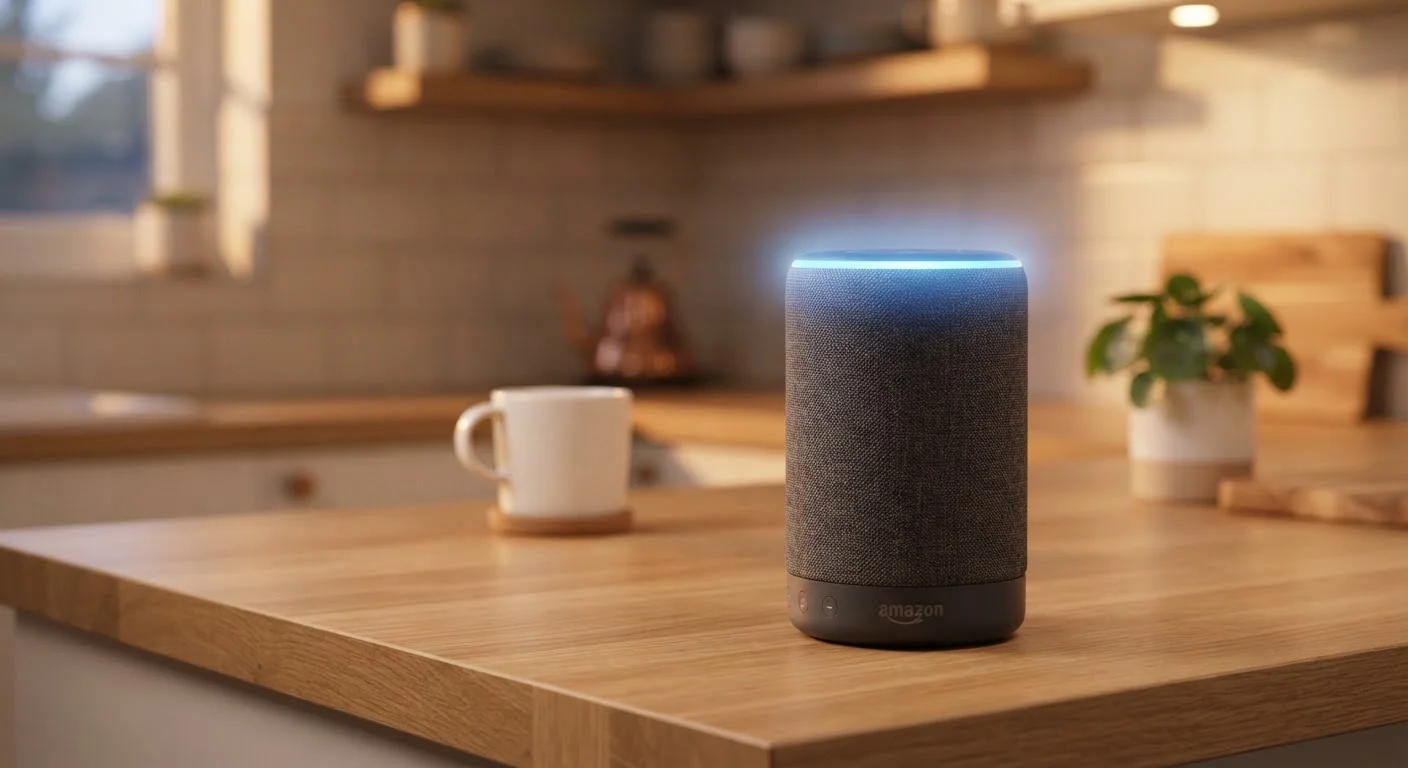
When the wake word is detected, the device activates its full microphones, plays an acknowledgment sound or lights up an indicator ring, and begins capturing what you say next. That captured audio is then packaged and sent to the manufacturer's servers over your Wi-Fi network.
Reduce False Wake Word Triggers
If your smart speaker activates unexpectedly — often due to TV dialogue or similar-sounding words — try repositioning it away from speakers or common noise sources. Most devices also let you re-train the wake word recognition using your own voice in the settings app, which can significantly reduce false activations.
Step Two: Your Words Become Text in the Cloud
The audio clip of your request travels to a remote server — typically within milliseconds — where a process called automatic speech recognition (ASR) converts the sound of your voice into a written transcript.
ASR systems are trained on enormous libraries of human speech in many accents, dialects, and environments. This is why your smart speaker can often understand you even if you have a strong regional accent, speak quickly, or have background noise in the room. The system does not need a perfect recording — it uses probability to identify the most likely sequence of words.
The resulting text transcript is then handed off to the next stage of processing.
< 2 sec
Typical end-to-end response time
From wake word detection to spoken reply, most smart speaker responses complete in under two seconds under normal network conditions.
~1 billion
Smart speakers in use globally
Industry analysts have estimated that smart speaker installations worldwide surpassed the billion-unit mark, reflecting widespread everyday adoption.
Milliseconds
Time to transmit audio to cloud servers
On a typical broadband connection, the audio clip of your request reaches the manufacturer's servers in well under a second after the wake word triggers.
Step Three: Understanding What You Actually Want
Turning speech into text is only half the challenge. The server must also understand what you mean. This is handled by natural language processing (NLP) — a branch of artificial intelligence that interprets the intent behind words.
For example, if you say "What's the weather like?" the system identifies that you want a forecast, determines your location from your account settings, fetches current data from a weather service, and formats an answer. If you ask a follow-up like "What about tomorrow?" NLP uses the conversational context to understand that "tomorrow" still refers to weather — you did not have to repeat the full question.
This contextual awareness is what makes modern voice assistants feel conversational rather than robotic. The response is then converted back into synthesized speech and played through the speaker's drivers.
Your Privacy and What Gets Stored
A common concern is how much of your day-to-day speech is being recorded and stored. The short answer is: only clips triggered by a wake word detection are typically sent to and stored on servers — though false triggers do occur occasionally.
Most smart speaker platforms allow you to review your voice history, listen to stored recordings, and delete them individually or in bulk through a companion app. Many also offer automatic deletion after a set period. Reviewing these settings periodically is a straightforward way to stay in control of your data.
It is worth noting that voice recordings may be used — in anonymized form — to improve the assistant's speech recognition accuracy over time. Privacy policies vary by manufacturer, so checking the settings app for your specific device gives you the clearest picture of what applies to you.
Privacy Settings Vary by Device and Platform
Each smart speaker manufacturer handles voice data storage and deletion differently. The specific options available to you — including how long recordings are kept and whether human reviewers can access them — depend on the platform you use. Always check the companion app or the manufacturer's privacy policy for the most accurate information about your specific device.