

Key Takeaways
Why Charging Myths Persist
Charging advice has been passed around for decades, and much of it made sense — for a different era of batteries. Nickel-cadmium (NiCd) and nickel-metal hydride (NiMH) cells, common in the 1980s and 1990s, genuinely did suffer from a "memory effect" that required periodic full discharges. The problem is that advice written for those batteries never quite went away, even as smartphones shifted to lithium-ion chemistry.
Lithium-ion batteries operate under a completely different set of rules. Understanding those rules — rather than repeating old folklore — is what actually helps your phone last longer. The myths below are among the most widely repeated, and most worth setting aside.
For a broader look at how battery capacity changes over time, see our guide to laptop battery life — much of the same chemistry applies to phones.
Myth
You should always drain your battery to 0% before charging it.
Fact
Lithium-ion batteries do not have a memory effect. Frequent full discharges actually add stress, not benefit.
This advice originated with older battery technologies that developed a "memory" of shallow discharge cycles. Lithium-ion cells — used in virtually every modern smartphone — work differently. Deep discharges (letting the battery hit 0%) force the battery through a more demanding electrochemical cycle each time, which contributes to capacity loss over the long run. Charging whenever it is convenient, including at 40% or 50%, is perfectly fine and often preferable.
Myth
Leaving your phone plugged in overnight will overcharge and ruin the battery.
Fact
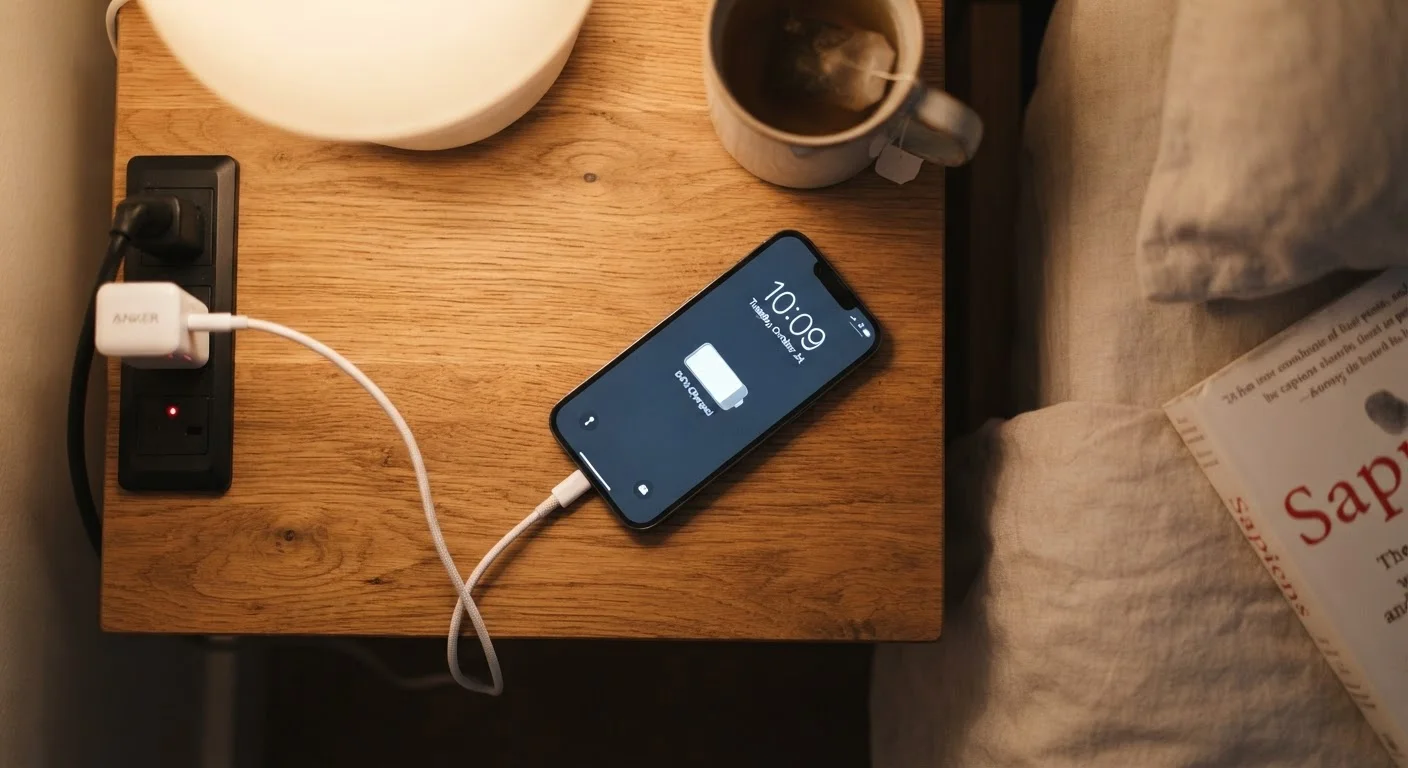
Modern smartphones stop drawing charging current once they reach 100% — they cannot physically overcharge.
Every current smartphone includes protection circuitry that cuts off active charging when the battery is full. The phone then runs on direct power from the charger rather than continuing to push energy into the battery. Some phones also use software features — such as charging to 80% and completing the final stretch just before you typically wake up — to reduce the time spent at peak charge. Overnight charging on a well-ventilated surface is generally not a cause for concern.
Myth
Using your phone while it charges is bad for the battery.
Fact
Light use while charging causes no meaningful harm; intense tasks that generate heat are the actual concern.
Scrolling, messaging, or streaming while plugged in does not damage the battery in any direct way. What matters is temperature: if a heavy task — like a graphics-intensive game or extended video recording — raises the phone's temperature noticeably while it is also charging, that heat combination can accelerate wear. For everyday use, however, charging and using the phone simultaneously is not a problem worth worrying about.
Myth
Third-party chargers always damage your phone.
Fact
Charger quality varies widely; a compatible, reputable third-party charger is not inherently harmful.
The concern behind this myth is real but overstated. Very cheap chargers with poor quality control can deliver unstable power or incorrect voltage, which generates heat and can, over time, stress the battery. However, a third-party charger from a reputable manufacturer that matches your phone's charging standard is functionally safe. The key is checking for recognized safety certifications and verifying that the charger supports your device's voltage and current specifications — not simply assuming that anything not made by your phone's manufacturer is dangerous.
Myth
Keeping your phone at 100% charge at all times is the ideal state.
Fact
Lithium-ion batteries experience less stress when kept in a middle range — roughly 20% to 80% — rather than consistently at full charge.
At very high states of charge, lithium-ion cells are under slightly more electrochemical strain than they are at moderate levels. Sitting at 100% for extended periods — common when a phone is plugged in at a desk all day — contributes to gradual capacity loss over many months. Many phone manufacturers now offer battery health settings that cap charging at 80% or 85% for exactly this reason. You do not need to obsess over these numbers, but if your phone offers a charge-limit feature, using it during typical workdays can modestly slow long-term degradation.
What Actually Affects Battery Health
Once myths are out of the way, a clearer picture emerges: a handful of real factors do influence how long your battery holds a useful charge over months and years.
Heat is the most damaging variable. Lithium-ion cells degrade faster when they are exposed to sustained high temperatures — whether that's from leaving your phone in a hot car, using it heavily while it charges, or placing it under a pillow overnight. Keeping your phone in a cool, well-ventilated spot while charging makes a genuine difference.
Charge cycles add up gradually. Each full charge cycle (from 0% to 100%) counts against the battery's rated lifespan. Partial charges count as fractions of a cycle, which is part of why topping up regularly — rather than draining fully — tends to be gentler overall.
Charger quality and compatibility matter, but not in the way most people think. A charger that delivers the wrong voltage or current can generate excess heat, which ties back to the heat problem above. Reputable chargers that match your phone's specifications are the goal; that doesn't mean only using the cable that came in the box, but it does mean checking that a third-party option meets basic safety standards.
Wireless Charging and Heat
Wireless (inductive) charging is less efficient than wired charging, which means more energy is lost as heat during the process. If you notice your phone becoming noticeably warm on a wireless pad, removing it from a case or moving it to a cooler environment can help. Prolonged heat during wireless charging is more of a concern for battery longevity than the charging method itself.
For a wider view of habits that add wear over time, the everyday habits that quietly shorten your phone's lifespan article covers patterns beyond just charging. And if your phone feels sluggish rather than just low on battery, your apps may be the real culprit.