

Key Takeaways
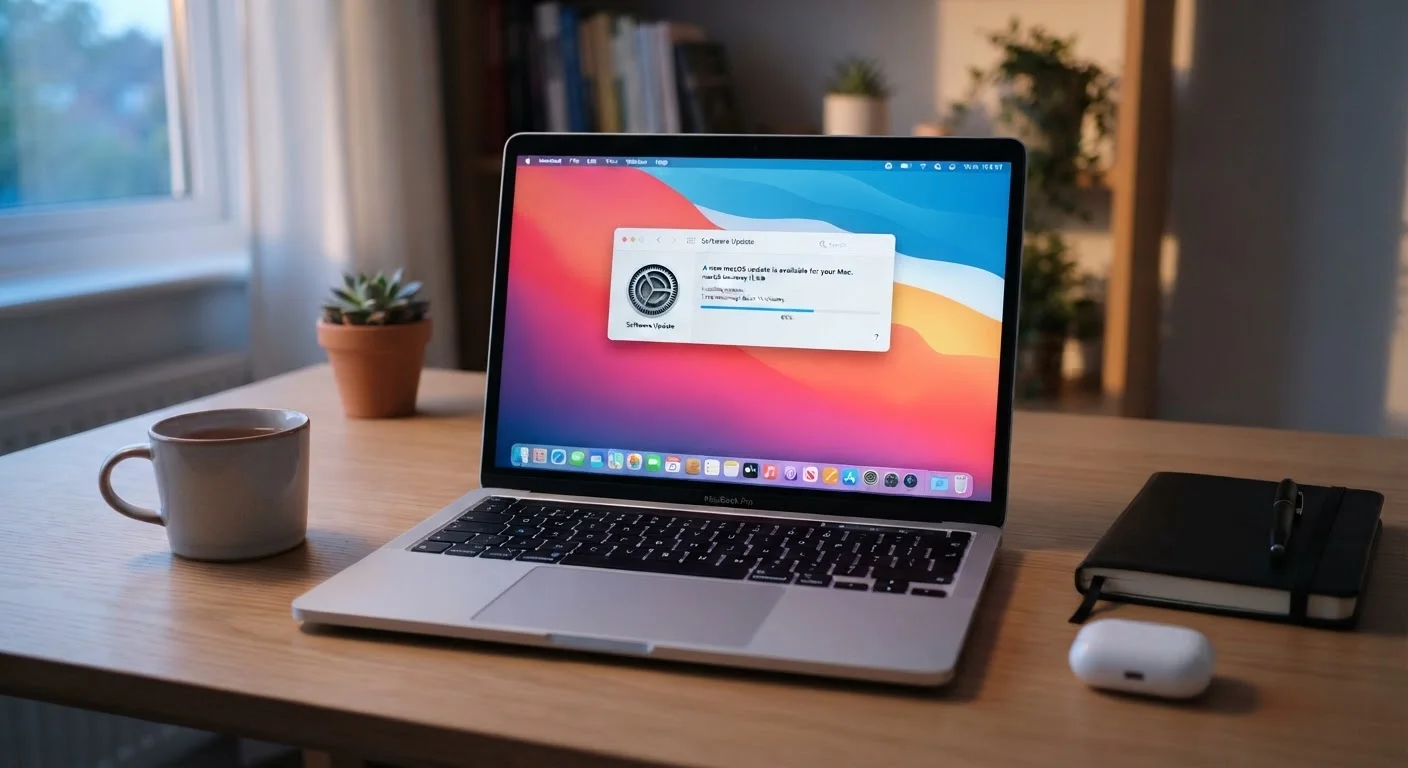
Software Update
A software update is a package of changes delivered by a developer to improve, fix, or secure an existing program or operating system. Updates can address security vulnerabilities, squash bugs that cause crashes, improve compatibility with other software, or add new features. They apply to virtually every piece of software you use — from your phone's operating system to apps, browsers, and smart home devices.
Security-focused updates are often called 'patches'; a collection of patches released together is called a 'patch set' or 'security rollup.' Zero-day vulnerabilities — flaws actively exploited before a fix exists — are among the most urgent reasons developers push unscheduled updates.
The Real Reason Updates Exist
Most people assume software updates are mainly about new features — a redesigned button here, a fresh emoji set there. In reality, the majority of updates are released primarily to fix security flaws and correct bugs that developers discovered after the software launched.
Software is written by humans, and humans make mistakes. A program released today may contain coding errors that create openings — called vulnerabilities — that an attacker could exploit to access your data, install malicious software, or take control of your device. When developers discover these flaws (or are alerted to them by security researchers), they write a fix and release it as an update.
The critical detail most people miss: once an update is released, the vulnerability it fixes becomes public knowledge. Security bulletins, tech forums, and even criminal communities document exactly what was broken. Every device that hasn't applied the patch is now a known, documented target.
Not All Updates Require a Restart
Many app and browser updates apply silently in the background without requiring you to restart your device. Operating system updates more often require a reboot, but modern systems typically let you defer the restart to a time you choose. An update prompt doesn't always mean an immediate interruption.
This is why timing matters. The gap between an update's release and when you install it is the window during which your device is most exposed. Attackers specifically scan for systems running older, unpatched versions.
What's Actually at Risk When You Click 'Remind Me Later'
The consequences of skipping updates go beyond abstract security risk. Here's what can realistically happen on an unpatched device:
- Data theft: Unpatched vulnerabilities in browsers and apps can allow attackers to intercept login credentials, financial information, and personal files — sometimes without any action on your part beyond visiting a compromised website.
- Malware installation: Many types of malicious software — ransomware included — spread specifically by exploiting known, unpatched flaws in operating systems and common applications.
- Device instability: Bug-fix updates address crashes, freezes, and performance degradation. Running unpatched software often means tolerating problems that have already been solved.
- Compatibility breakdown: As websites, apps, and services update their own infrastructure, older software versions gradually stop working correctly with them.
For a broader picture of how your device's overall health connects to software habits, see practical device-care habits that go beyond just updates. And if your phone is already feeling sluggish, outdated or poorly optimized apps may be a contributing factor.
60%
Breaches linked to unpatched vulnerabilities
According to the Ponemon Institute, roughly 60% of data breach victims reported that the breach involved a known, unpatched vulnerability at the time of the attack.
21 days
Average time attackers exploit a new vulnerability
Research from cybersecurity firms has found that attackers can begin exploiting newly disclosed vulnerabilities within three weeks of public disclosure, underscoring the urgency of timely patching.
80%+
Share of malware using known vulnerabilities
Security researchers have consistently found that the vast majority of malware attacks exploit vulnerabilities for which patches were already available, not zero-day flaws.
How to Make Updating Painless
The most common reason people avoid updates is timing — updates tend to appear at inconvenient moments. The good news is that you don't have to choose between security and convenience.
Enable Automatic Updates
Most operating systems — including Windows, macOS, iOS, and Android — allow you to schedule automatic updates during hours when you're not using the device, such as overnight. This handles the bulk of critical patches without any manual effort. Check your device's settings under a section typically labeled Software Update, Windows Update, or System Update.
Keep Apps Updated Too
Operating system updates are important, but apps carry their own vulnerabilities. Both the Apple App Store and Google Play Store offer automatic app updates — enabling this setting takes under a minute and removes the need to check manually.
Don't Ignore Browser Updates
Your web browser is your primary interface with the internet and one of the most targeted pieces of software on any device. Most modern browsers update silently in the background, but it's worth confirming your browser is set to update automatically.
Schedule Updates for While You Sleep
Most devices let you set a maintenance window — a time range when the device can install updates automatically. Setting this to overnight (for example, 2–4 a.m.) means updates happen without interrupting your workday. Check your device's settings under 'Software Update' or 'System Update' to configure this option.
Building a consistent update habit is a foundational part of staying safer online over time. Small, regular actions compound into meaningful protection.
The Parallel to Other Kinds of Maintenance
Skipping software updates follows the same logic as deferring routine maintenance in other areas of life — it feels costless in the moment, but the deferred risk accumulates. Just as skipping routine car maintenance leads to larger, more expensive problems down the road, unpatched software quietly degrades your device's security and stability until something goes wrong.
The difference is that software updates are typically free, automatic, and require no technical skill. The barrier to applying them is almost entirely psychological — the instinct to postpone anything that interrupts the current moment. Recognizing that instinct for what it is makes it easier to override.
A device that's consistently updated is more stable, more secure, and more likely to remain useful longer. That's a meaningful return on a few minutes of waiting.
“Patching is not glamorous, but it is one of the most effective things an organization — or an individual — can do to reduce their exposure to cyberattacks. Most successful attacks exploit vulnerabilities that had a known fix available.”
— Cybersecurity and Infrastructure Security Agency (CISA), U.S. federal agency responsible for national cybersecurity guidance